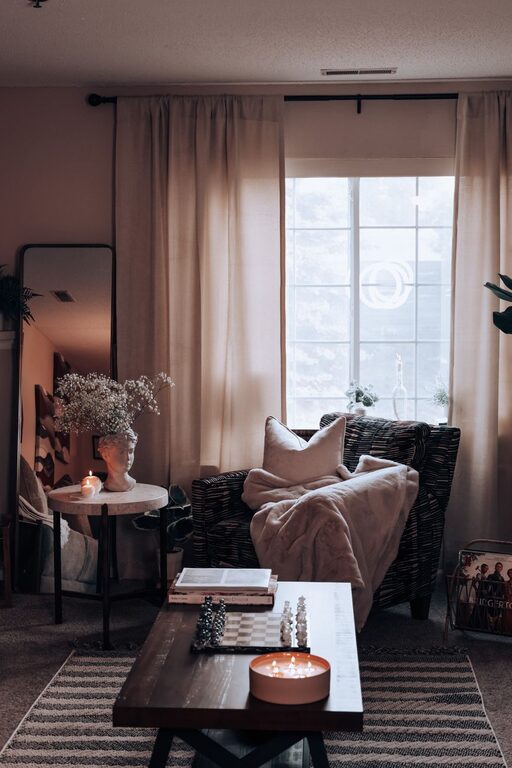

Working from home has become a common arrangement for many people, making it essential to create a home office environment that encourages productivity and well-being. A well-organized and comfortable workspace can help reduce distractions, improve focus, and make work feel more enjoyable. Whether you have a dedicated room or a small corner, these tips can help you design a home office that supports your best work.
Choose the Right Location
Finding the best spot for your home office is the first step toward productivity.
– Quiet area: Pick a location away from household traffic and noise to minimize interruptions.
– Natural light: Position your desk near a window if possible, as natural light boosts mood and energy.
– Ventilation: Ensure good airflow and a comfortable temperature to stay refreshed throughout the day.
– Privacy: If you share your home, try to find a space that allows some privacy for conference calls or focused tasks.
Invest in Ergonomic Furniture
Comfort plays a big role in how well you work.
– Comfortable chair: Choose an adjustable chair with good lumbar support to prevent back strain.
– Proper desk height: Your desk should allow your arms to rest comfortably at a 90-degree angle while typing.
– Monitor positioning: Place your monitor at eye level and about an arm’s length away to avoid neck and eye strain.
– Foot support: Use a footrest if your feet don’t touch the ground comfortably.
Organize Your Workspace Efficiently
A clutter-free desk promotes a clear mind.
– Declutter regularly: Keep only essential items on your desk and store everything else.
– Use storage solutions: Utilize shelves, filing cabinets, or bins to organize papers, supplies, and devices.
– Cable management: Use clips or cable boxes to keep cords neat and untangled.
– Create zones: Designate specific areas for different activities such as writing, computer work, or brainstorming.
Establish an Effective Lighting Setup
Good lighting reduces eye strain and enhances focus.
– Combine lighting types: Use a mix of ambient, task, and natural lighting for balanced illumination.
– Desk lamps: A flexible desk lamp can provide focused light for reading and detailed work.
– Avoid glare: Position screens to avoid reflections from windows or overhead lights.
– Consider color temperature: Cooler white lights tend to boost alertness, while warmer lights can create a relaxing atmosphere during breaks.
Minimize Distractions
Keeping distractions at bay can greatly improve concentration.
– Set boundaries: Communicate your working hours to family or housemates to reduce interruptions.
– Turn off notifications: Silence non-essential digital alerts when deep focus is needed.
– Use noise control: Consider noise-cancelling headphones or white noise machines to block disruptive sounds.
– Keep personal devices away: Avoid having your phone or other devices nearby unless they are work-related.
Personalize Your Space Mindfully
Adding personality to your office can increase comfort and motivation.
– Incorporate plants: Indoor plants improve air quality and add a sense of calm.
– Add artwork: Choose images or objects that inspire you without creating distraction.
– Use color wisely: Soft, neutral tones can help keep you calm, while splashes of color can energize the space.
– Maintain cleanliness: Regularly clean your workspace to create an inviting, tidy environment.
Plan Your Workday Routine
A consistent routine helps maintain productivity throughout the day.
– Define work hours: Set clear start and end times to separate work from personal life.
– Take regular breaks: Short breaks every hour can reduce fatigue and maintain focus.
– Use a to-do list: Prioritize daily tasks to stay organized and motivated.
– Change posture: Stand up, stretch, or walk around periodically to stay comfortable and alert.
Use Technology to Your Advantage
Technology can make working from home smoother and more efficient.
– Reliable internet: Invest in a stable and fast internet connection.
– Useful apps: Utilize productivity and project management apps to keep track of tasks.
– Backup power: Consider an uninterruptible power supply to prevent data loss during outages.
– Regular updates: Keep your software and devices updated to avoid technical issues.
—
Creating a productive home office environment is about balancing comfort, organization, and focus. By implementing these tips, you can design a workspace that not only supports your professional goals but also promotes a healthy work-life balance. Whether you’re working full-time from home or occasionally telecommuting, a well-thought-out home office can make all the difference in your daily productivity.
About the Author